Building Resilient CI/CD Pipelines with Jenkins and Docker
2 years ago
•15 min read
204
32
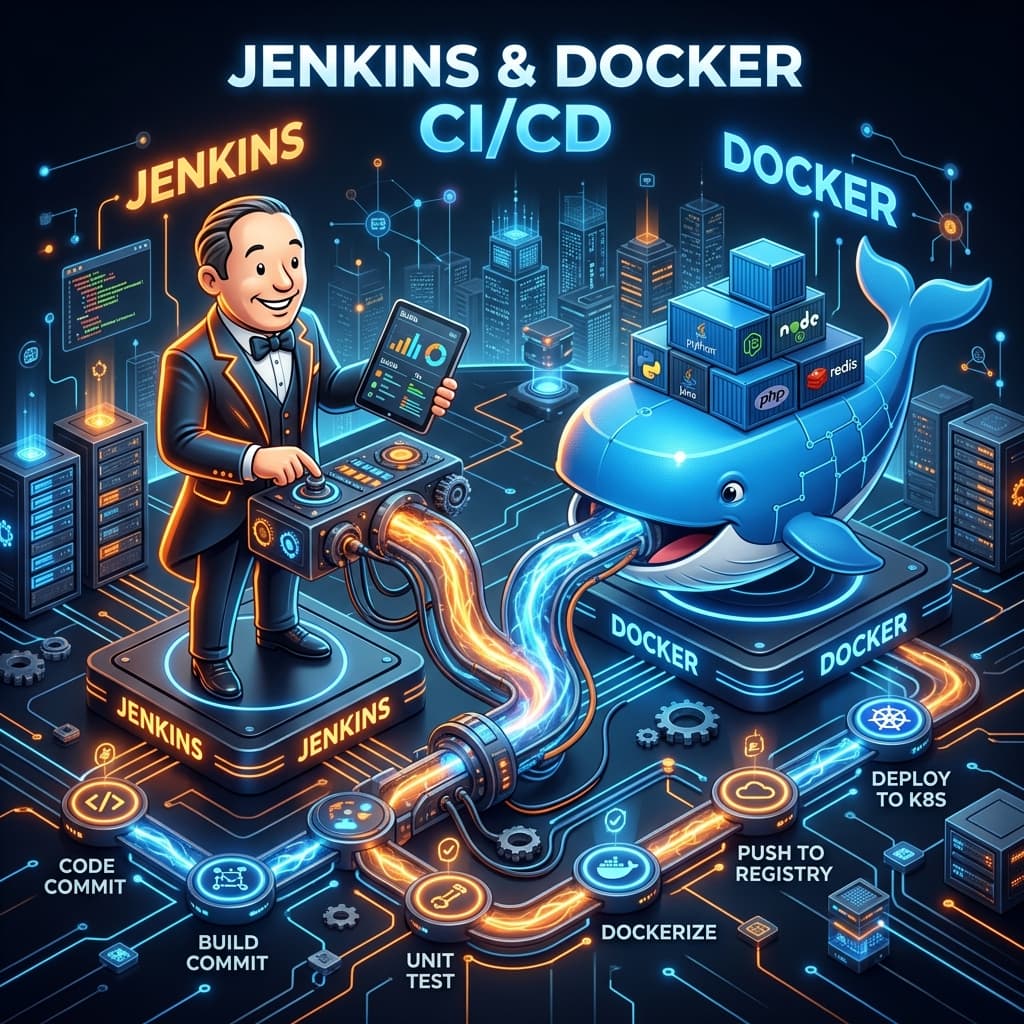
Building Resilient CI/CD Pipelines with Jenkins and Docker
In modern software engineering, the speed of delivery is just as important as the quality of code. Continuous Integration and Continuous Deployment (CI/CD) pipelines are the backbone of this speed. Among the various tools available, Jenkins remains a versatile giant, especially when paired with Docker for containerized builds.
The Shift to Pipeline as Code
Gone are the days of manual configuration through a UI. Modern Jenkins uses Declarative Pipelines, defined in a Jenkinsfile. This allows you to version control your pipeline configuration alongside your application code.
A Basic Declarative Pipeline
pipeline {
    agent any

    stages {
        stage('Checkout') {
            steps {
                checkout scm
            }
        }
        stage('Build') {
            steps {
                echo 'Building...'
                sh 'npm install'
            }
        }
        stage('Test') {
            steps {
                echo 'Testing...'
                sh 'npm test'
            }
        }
        stage('Deploy') {
            steps {
                echo 'Deploying to Staging...'
            }
        }
    }
}
Why Use Docker in Your Pipeline?
One of the biggest challenges in CI is "environment drift"—when the build works on your machine but fails on the Jenkins server due to a different version of Node, Java, or a missing dependency.
By using Docker Agents, you ensure that the build environment is identical every time.
pipeline {
    agent {
        docker { image 'node:20-alpine' }
    }
    stages {
        stage('Test') {
            steps {
                sh 'npm install'
                sh 'npm test'
            }
        }
    }
}
Key Best Practices
- Fail Fast: Run your fastest tests (unit tests) first. If they fail, there's no point running the slow E2E tests.
- Keep Credentials Secure: Use Jenkins' built-in credential management; never hardcode API keys or passwords in your Jenkinsfile.
- Parallel Execution: Run independent stages in parallel to reduce the total pipeline duration.
- Notifications: Integrate with Slack or Email to notify the team immediately when a build fails.
Conclusion
A well-designed CI/CD pipeline is like a silent team member that ensures only high-quality code reaches your users. By leveraging the flexibility of Jenkins and the isolation of Docker, you can build a delivery system that scales with your team.